
~ 3 min read
Funny command-line interface (CLI) applications
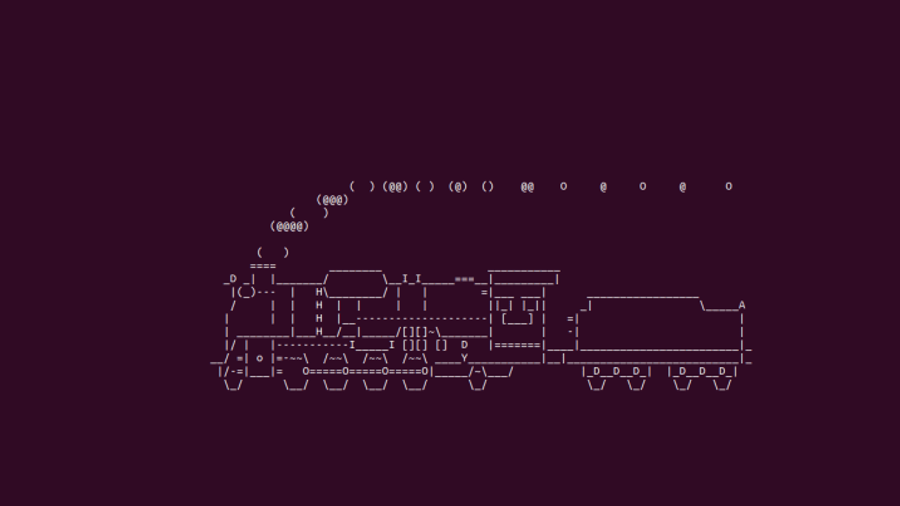
Sometimes the terminal feels a bit too serious. Black background, blinking cursor, commands everywhere. But it doesn’t have to be like that. There are a few tiny CLI tools that exist purely to make your terminal a lttle more fun.
Here are some of my favorites.
sl (Steam Locomotive)
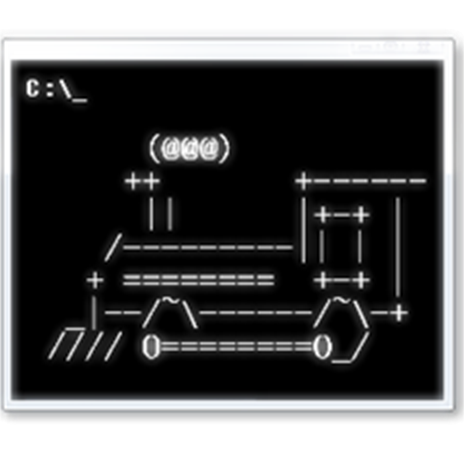
sl (“ls” backwards) is one of those programs that exists just because someone thought it would be funny. Instead of listing files, it sends a small steam locomotive across your terminal.
It’s completely unnecessary. And that’s exactly why it’s great.
Just run:
sl
There are a couple of flags you can play with if you want to change how it behaves, but half the fun is just running it out of nowhere.
Installation
Ubuntu / Debian
sudo apt install sl
Arch Linux
sudo pacman -S sl
Fedora
sudo dnf install sl
cmatrix
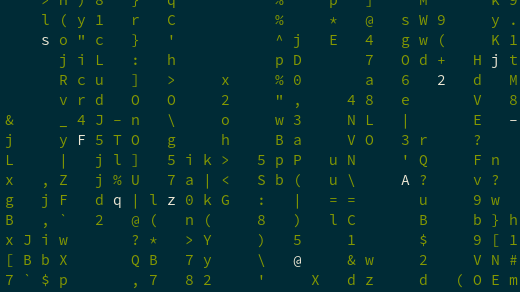
If you’ve ever watched The Matrix and thought “I want that effect on my terminal”, cmatrix does exactly that.
It fills your screen with the classic falling green characters. It’s not practical at all, but it looks cool (especially if you leave it running in another terminal window).
Run it with:
cmatrix
Press CTRL+C when you want to exit.
Some useful options (check -h for the full list):
-b-> Bold characters-r-> Rainbow mode-C-> Change the default green to another color
Installation
Ubuntu / Debian
sudo apt install cmatrix
Arch Linux
sudo pacman -S cmatrix
Fedora
sudo dnf install cmatrix
lolcat
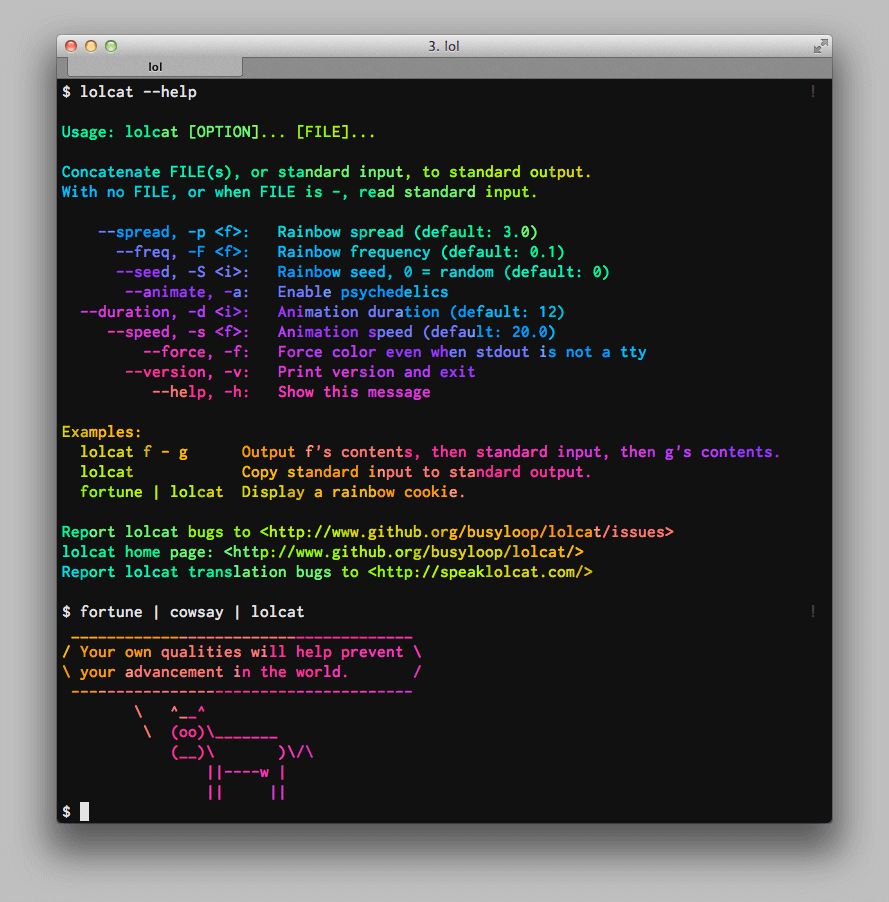
lolcat does one simple thing: it makes your terminal output rainbow.
Pipe any command into it and suddenly your plain text turns into a colorful gradient. Completely unnecessary — but very fun.
For example:
ls -l | lolcat # An example
It’s perfect for demos, screenshots, or just making your terminal look way more dramatic than it needs to be.
Installation
Ubuntu / Debian
sudo apt install lolcat
Arch Linux
sudo pacman -S lolcat
Fedora
sudo dnf install lolcat
cowsay
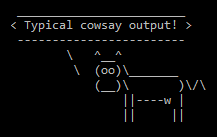
cowsay is a classic. It prints an ASCII cow that “says” whatever message you pass to it.
For example:
echo "Hello" | cowsay
It’s simple and funny. You can also change the character (it’s not limited to cows), which makes it even better.
Installation
Ubuntu / Debian
sudo apt install cowsayArch linux
sudo pacman -S cowsayFedora
sudo dnf install cowsaycowsay + fortune
You can combine cowsay with fortune to generate random quotes or sayings spoken by the ASCII cow. This combination is one of my favourites:
fortune | cowsayasciiquarium
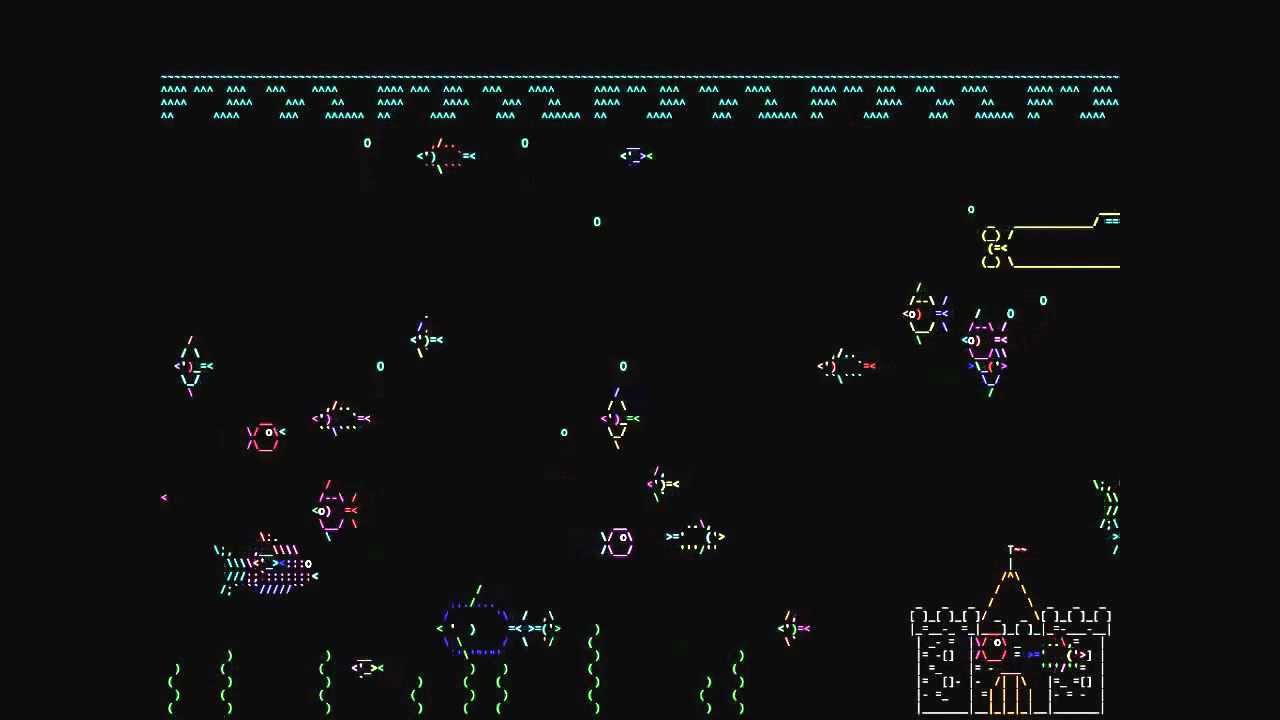
Last but not least, we have asciiquarium, which lets you experience the serenity of an underwater world. This terminal application transforms terminal into a virtual aquarium filled with ASCII sea creatures, providing a unique and calming visual display.
asciiquariumInstallation
Ubuntu / Debian
sudo add-apt-repository ppa:ytvwld/asciiquarium && sudo apt update
sudo apt install asciiquarium
Arch linux
sudo pacman -S asciiquariumFedora
sudo dnf install asciiquarium